RemoveColor

Free online color remover


Remove Color From Image

Select any color in your image, remove it precisely, and export a transparent PNG without uploading your file.

1 Pick color 2 Clean edge 3 Export transparent PNG
Local processing Transparent PNG No signup
See it before you upload Selected colors become transparent PNG areas.
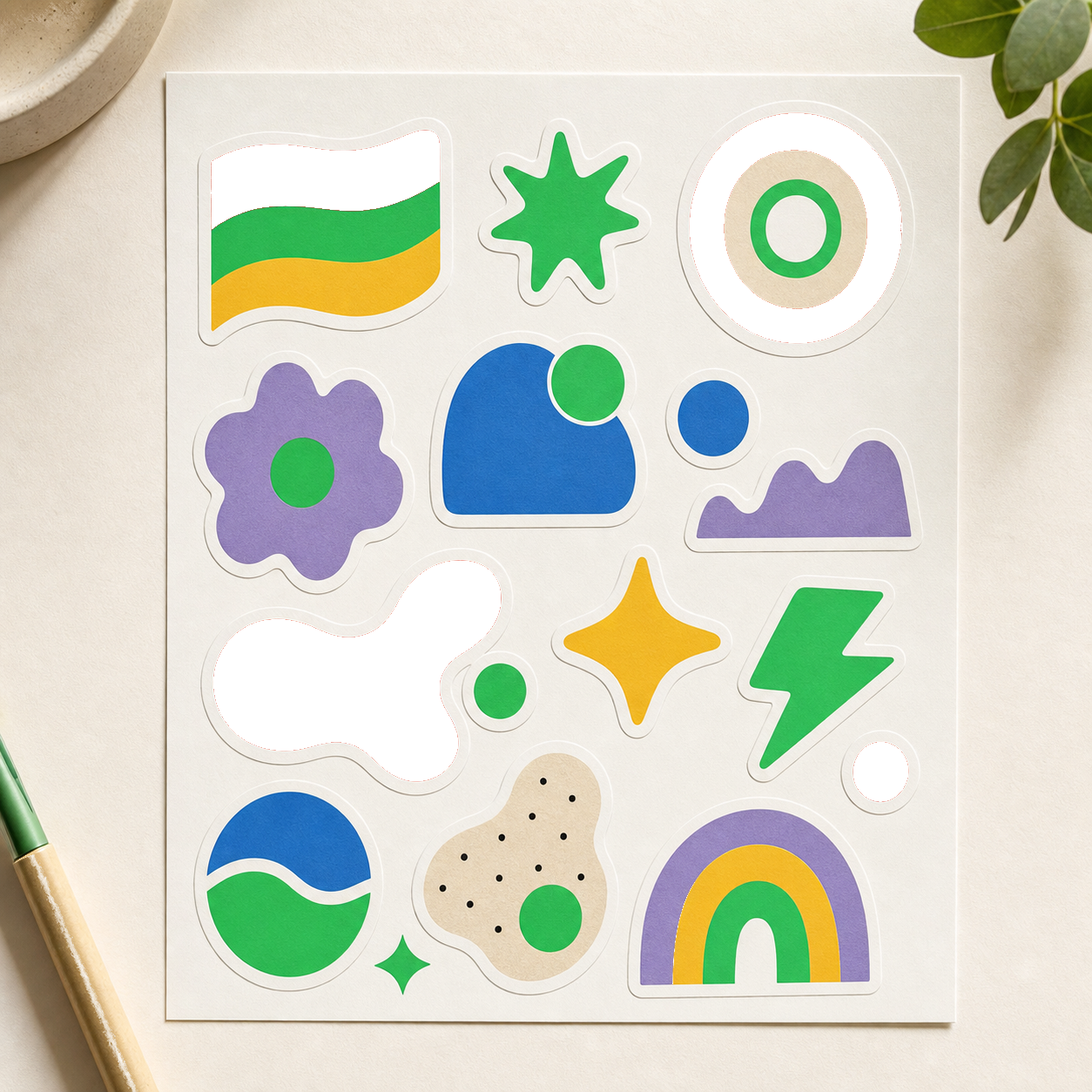
Logo on white Remove white
Green screen color Remove green
Icon on black Remove black
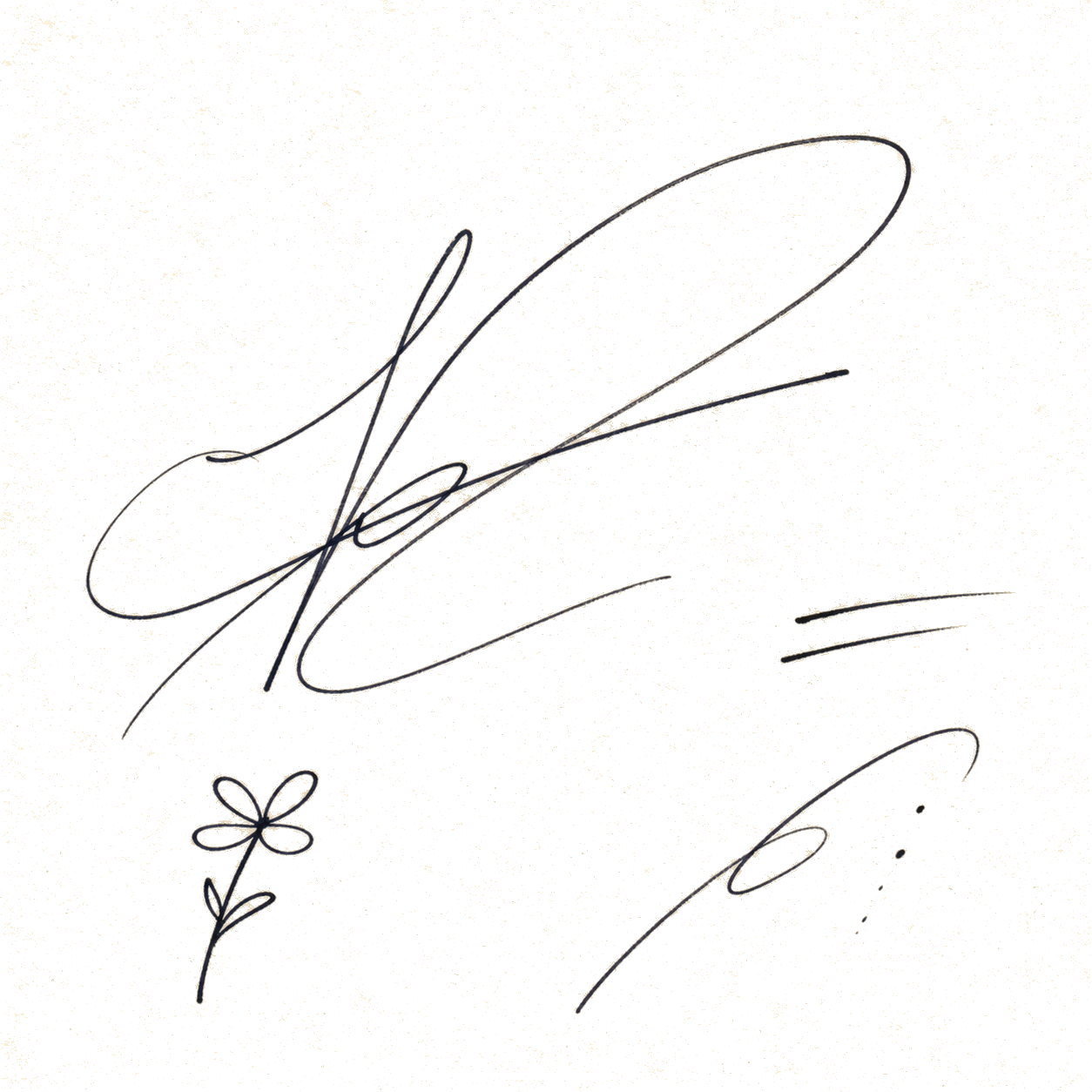
Scanned signature Remove paper color

Upload image

PNG, JPG, JPEG, or WebP. Processing stays in your browser.

Preview Your transparent result appears here.
Cleanup preset
Fine-tune result
Preview background

FAQ

Color remover questions

Does RemoveColor upload my image?

No. The first version processes images locally in your browser, so your file does not need to leave your device.

What file formats are supported?

You can upload PNG, JPG, JPEG, and WebP images. Results are exported as transparent PNG files.

How do I avoid rough edges or white halos?

Use the tolerance, edge softness, and halo cleanup controls. Lower tolerance protects similar subject colors, while softness and halo cleanup improve anti-aliased edges.