RemoveColor

Browser-based image color remover

Remove Color From PNG

Remove unwanted colors from PNG images while keeping existing transparent areas intact.

1 Pick color 2 Clean edge 3 Export transparent PNG
Pick a color Clean edges Export PNG
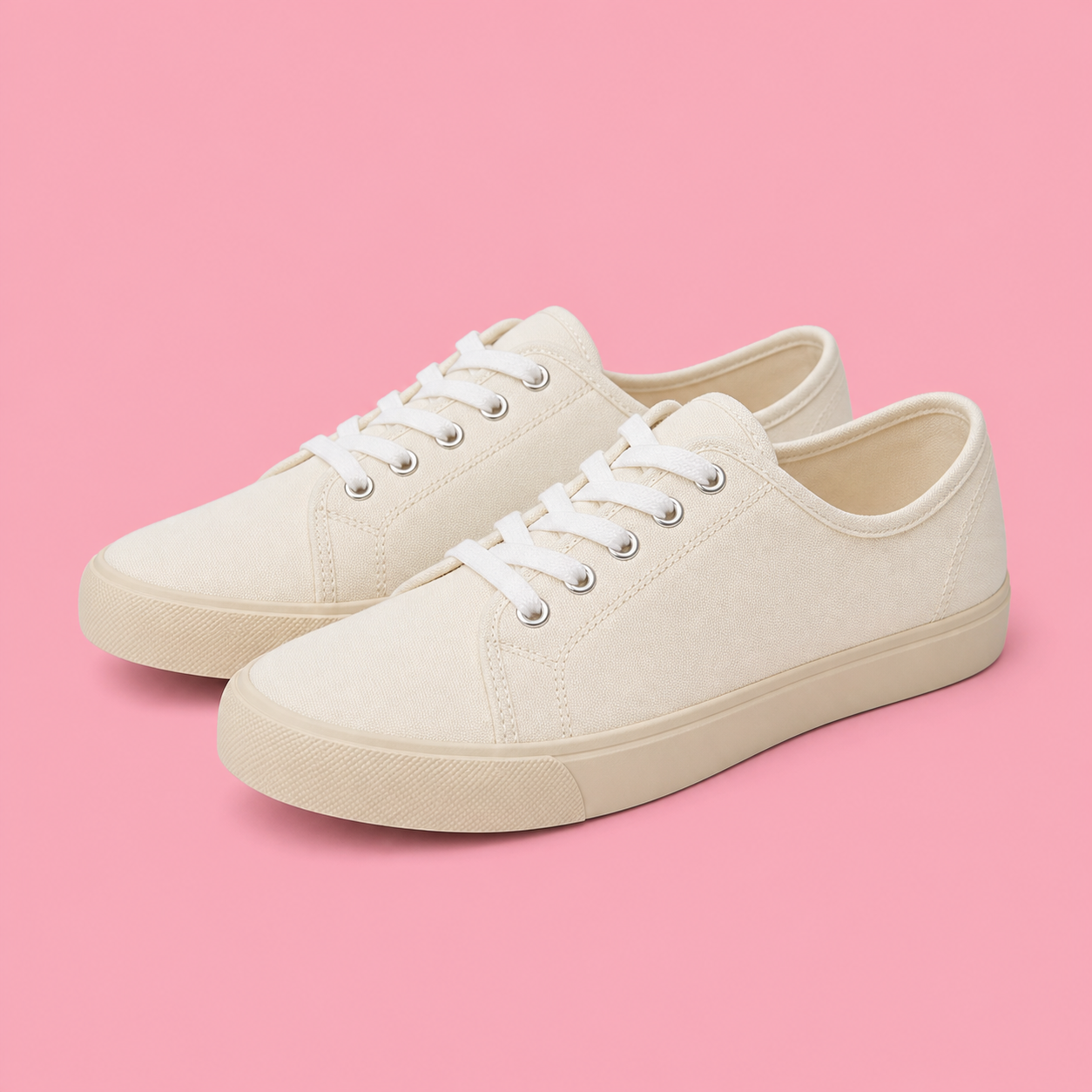
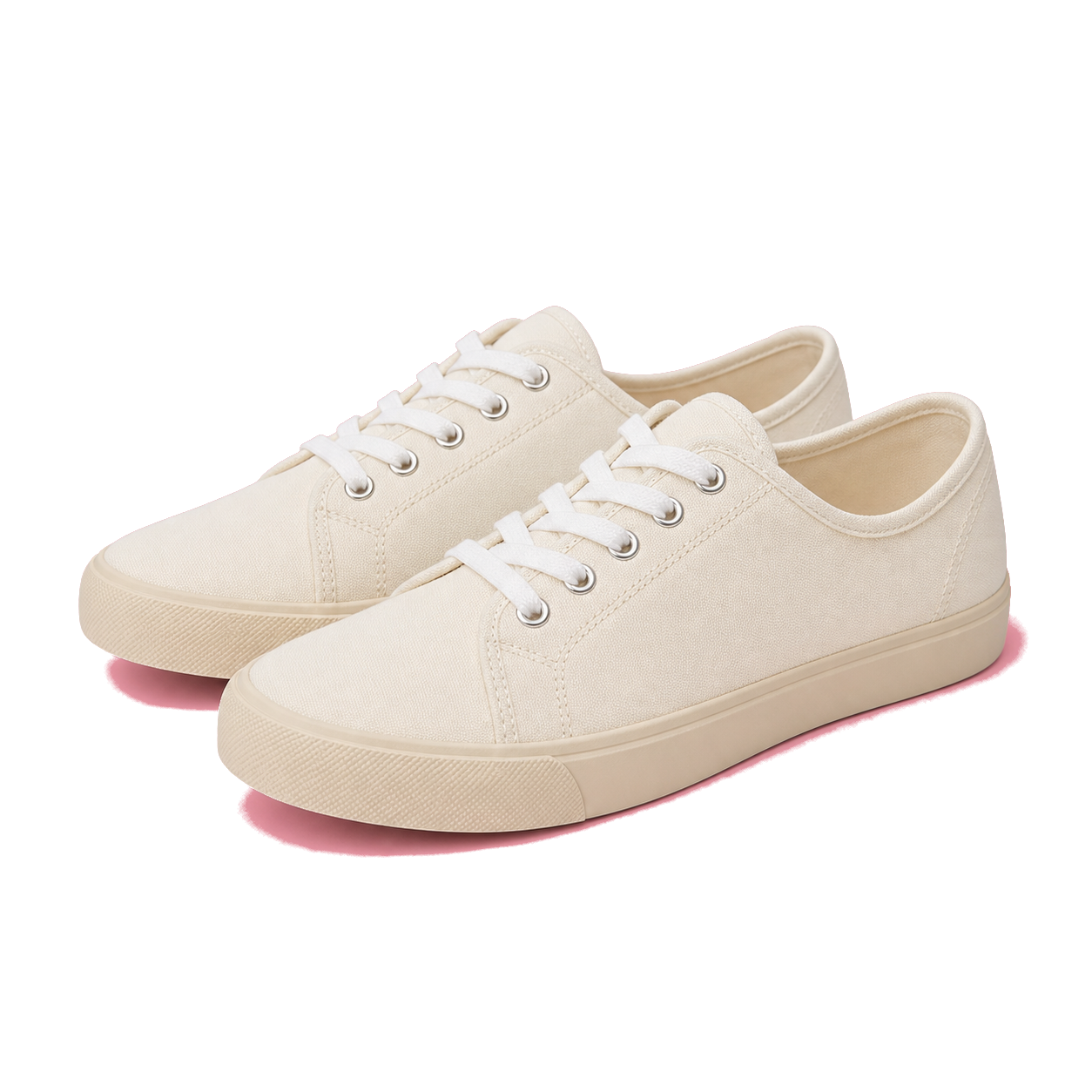
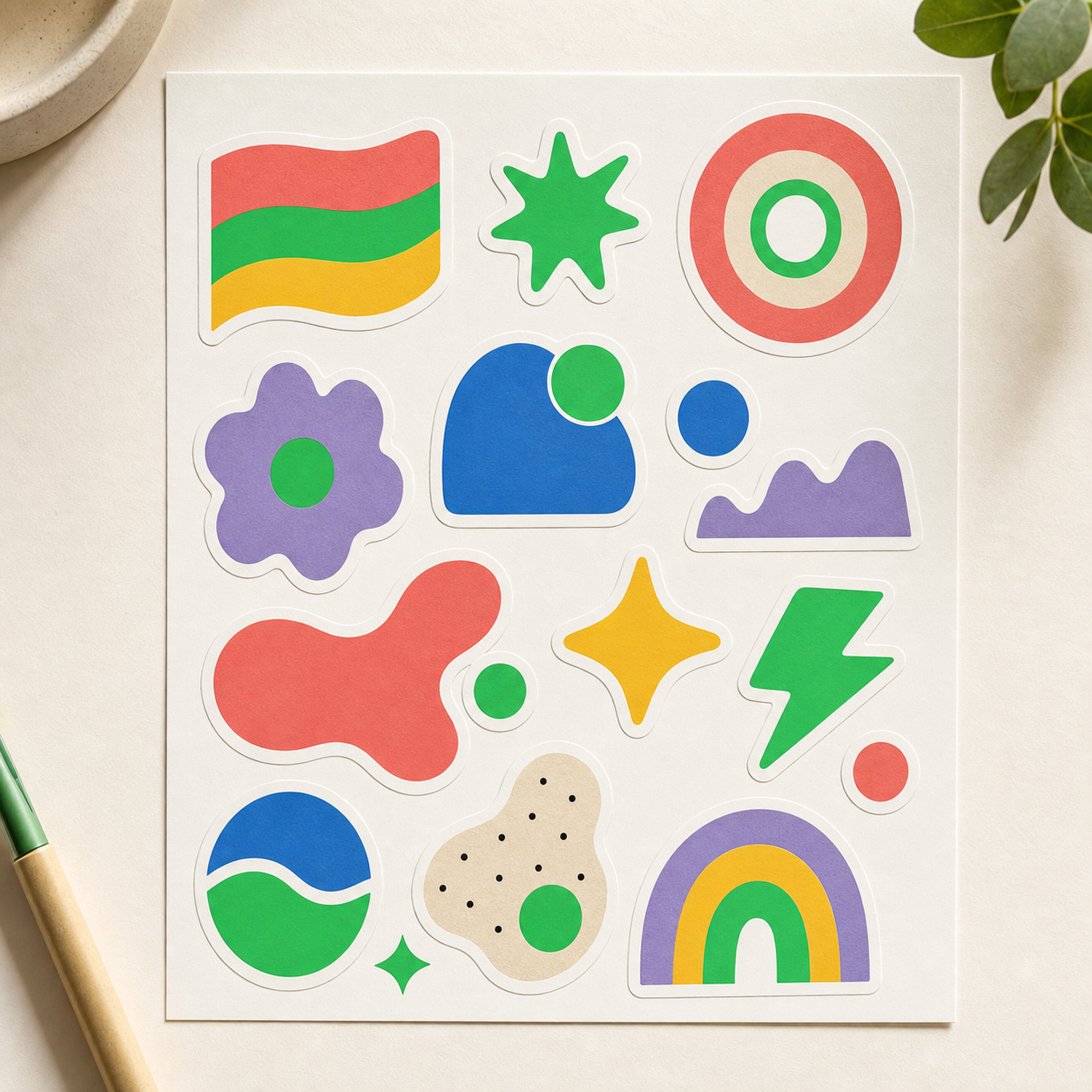
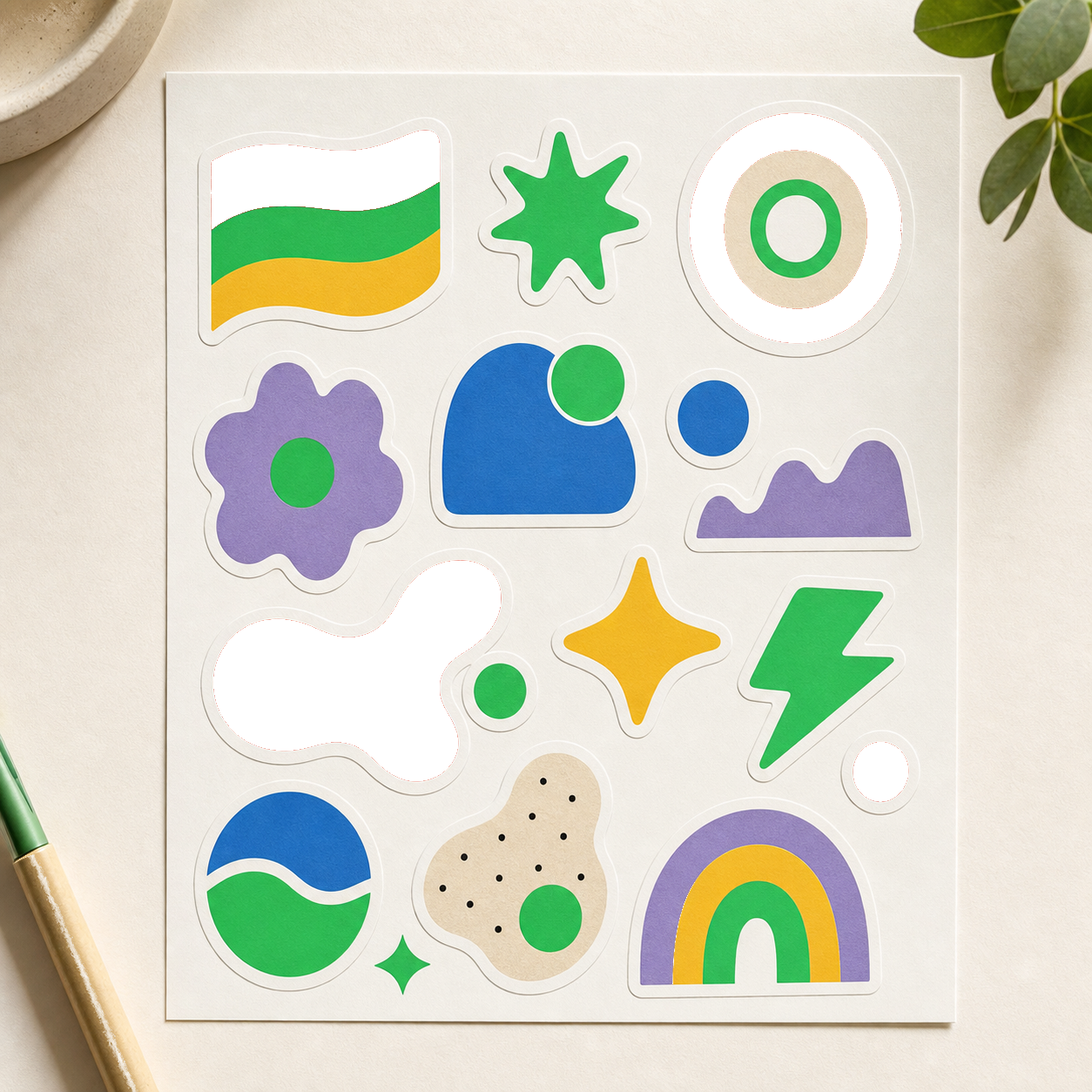
See it before you upload Selected colors become transparent PNG areas.
Logo on white Remove white
Green screen color Remove green
Icon on black Remove black
Scanned signature Remove paper color

Upload image

PNG, JPG, JPEG, or WebP. Processing stays in your browser.

Preview Your transparent result appears here.
Cleanup preset
Fine-tune result
Preview background

FAQ

Remove Color From PNG questions

Will existing transparency be preserved?

Yes. Transparent pixels in the original PNG remain transparent in the output.

Can I remove a background color from PNG?

Yes. Select the background color and adjust tolerance until the unwanted area becomes transparent.