RemoveColor

Browser-based image color remover


Pick a color Clean edges Export PNG

Color Remover From Image

1 Pick color 2 Clean edge 3 Export transparent PNG
See it before you upload Selected colors become transparent PNG areas.
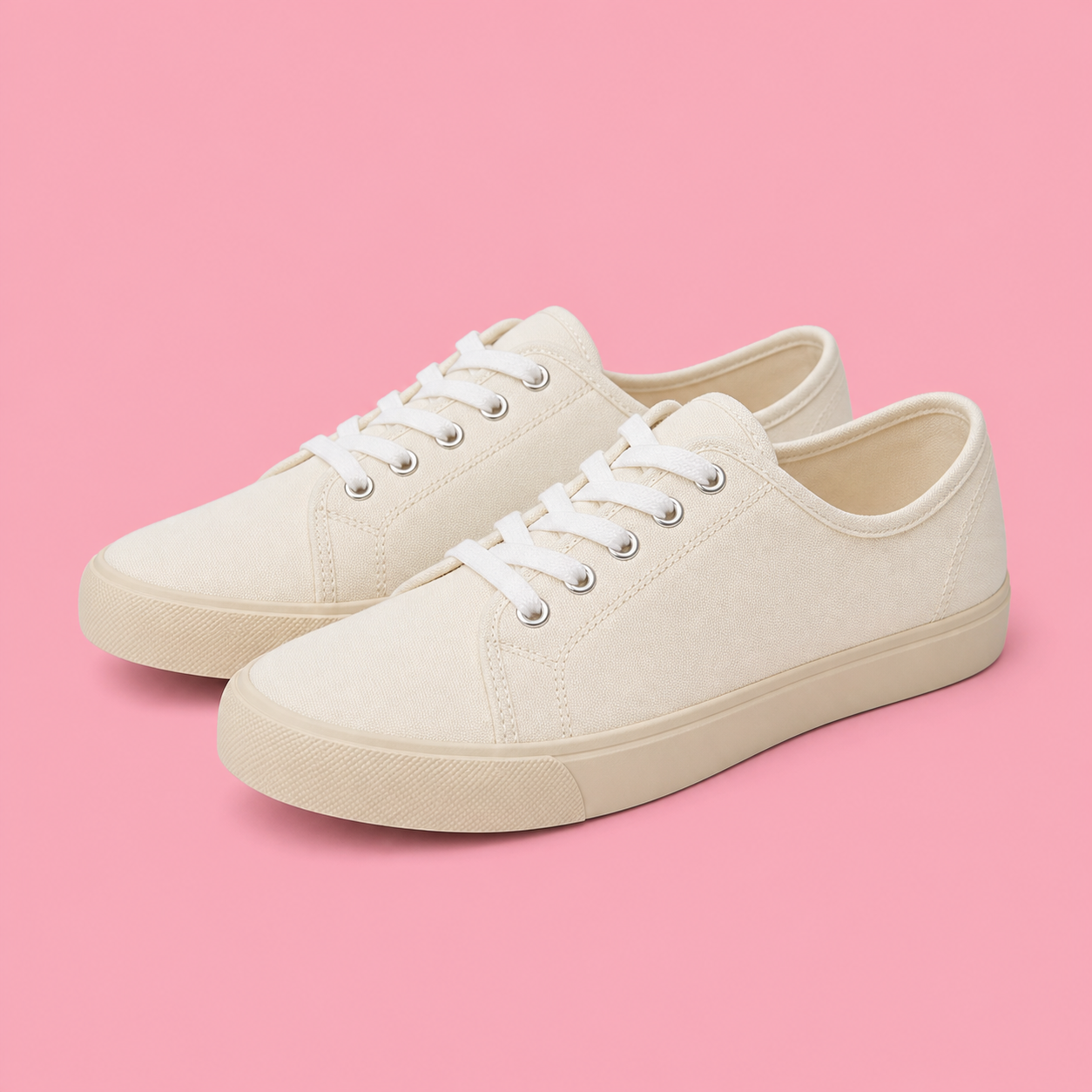
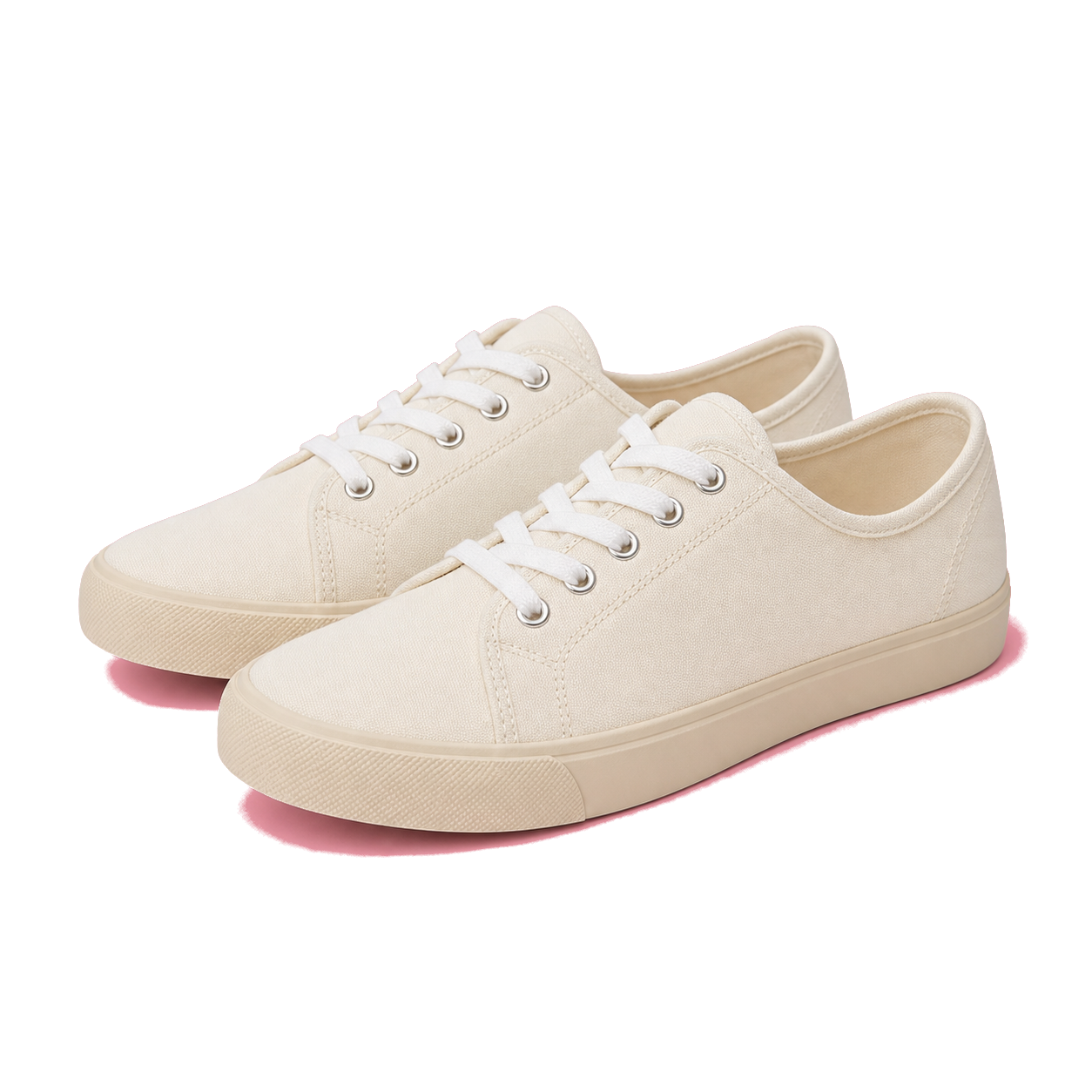
Pink backdrop sneakers
Cream sneakers photographed on a pink backdrop
Cream sneakers photographed on a pink backdrop after color removal
Sky silhouette photo
Person silhouetted against a colorful sunset sky while juggling a soccer ball
Person silhouetted against a colorful sunset sky while juggling a soccer ball after color removal
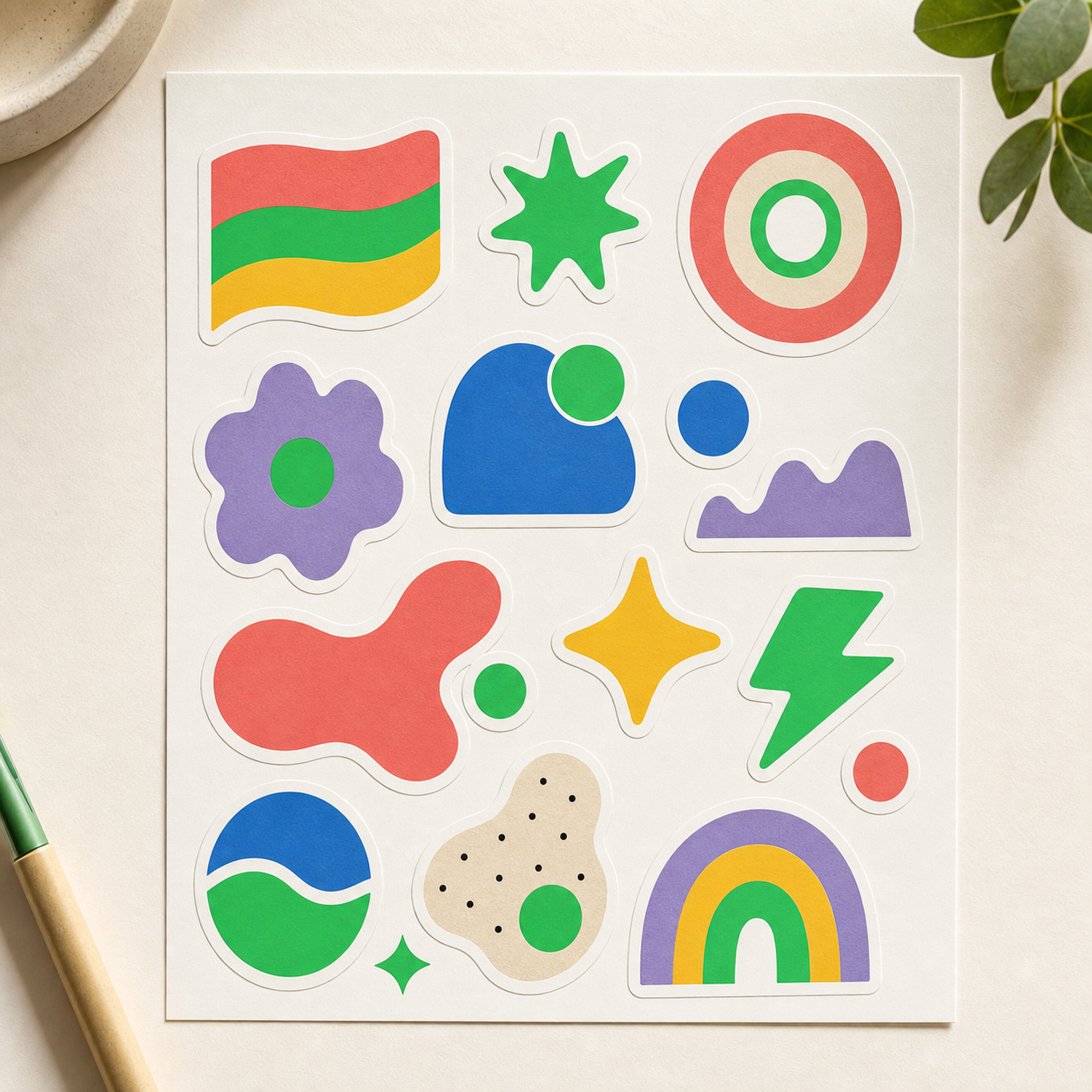
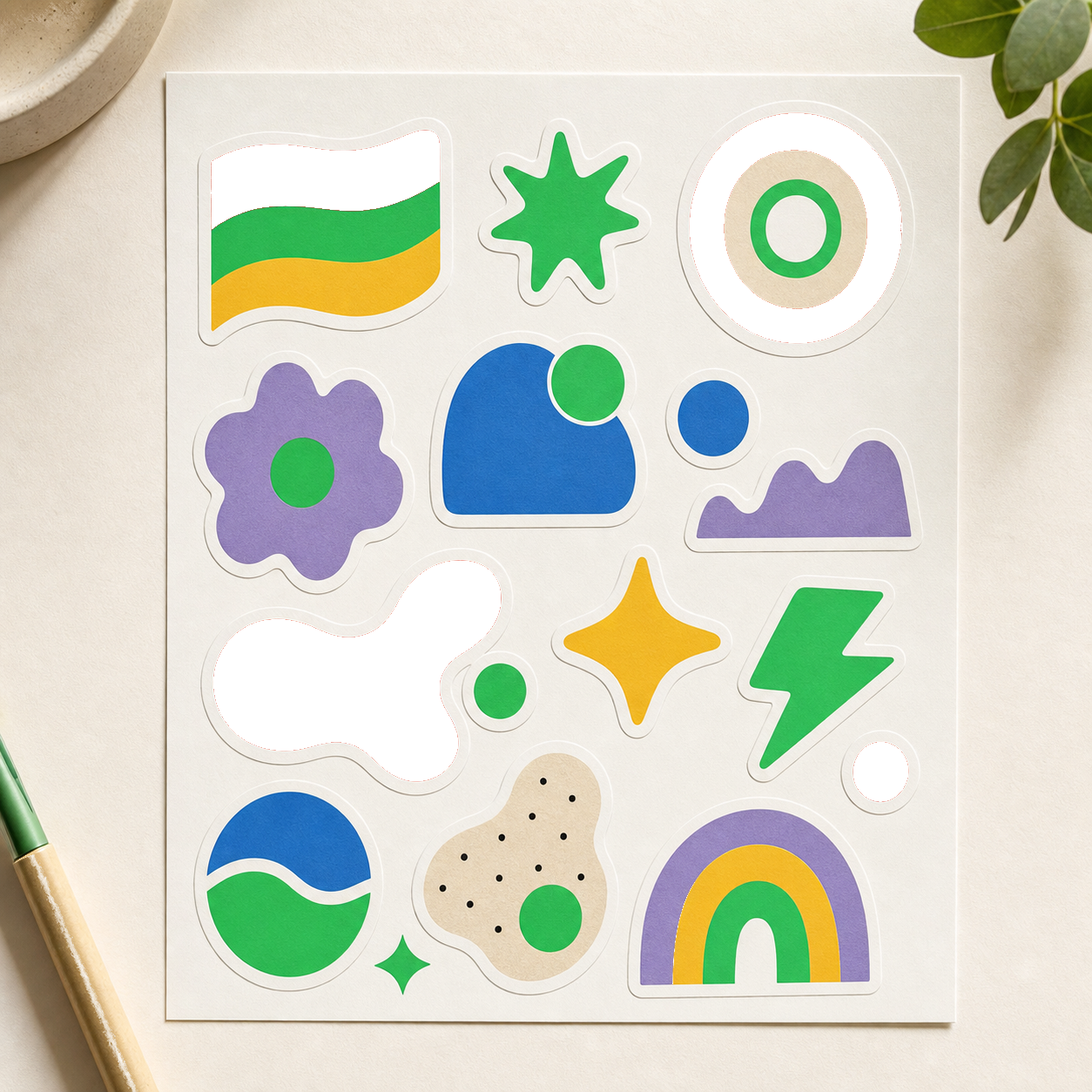
Sticker sheet artwork
Sticker sheet with colorful geometric shapes on a light background
Sticker sheet with colorful geometric shapes on a light background after color removal
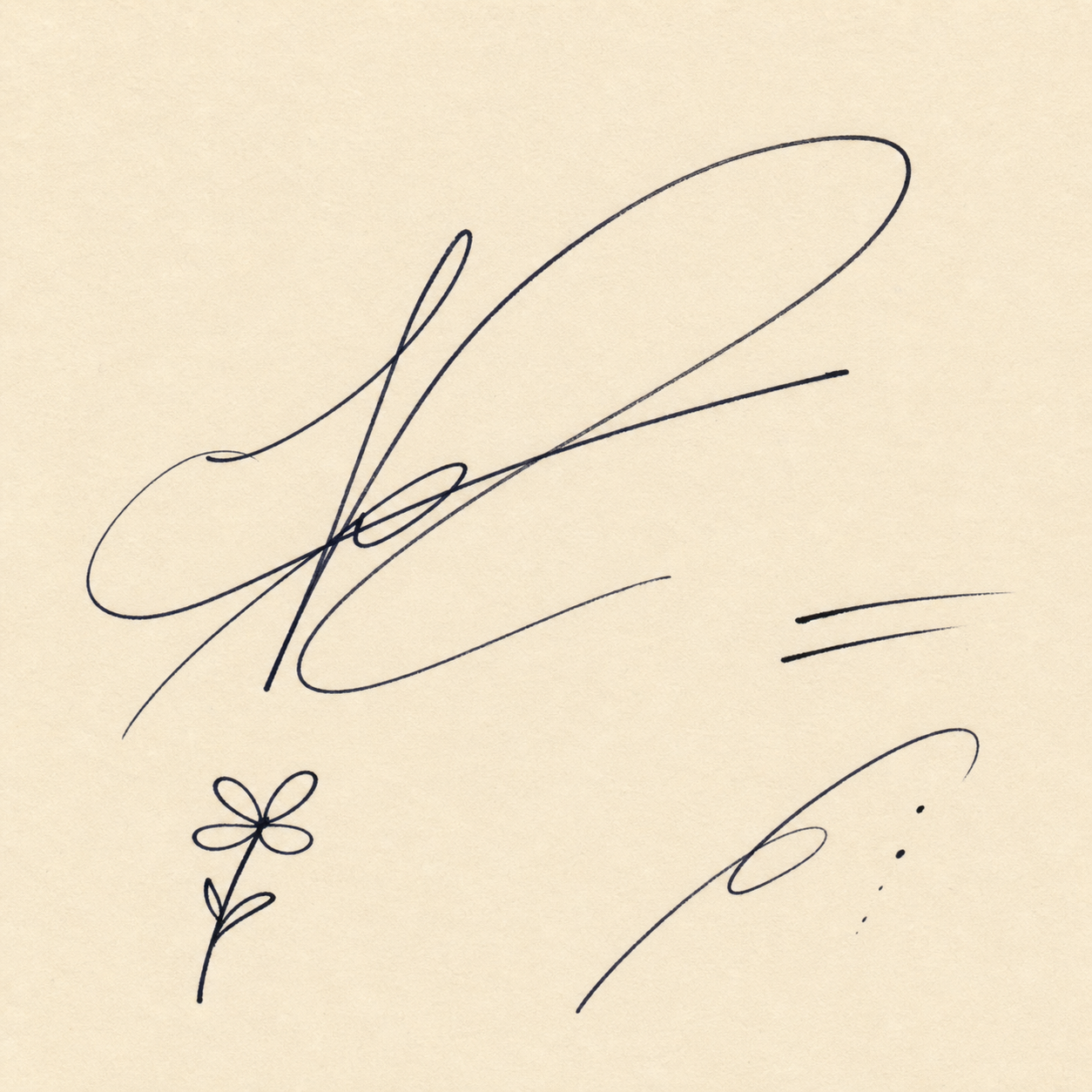
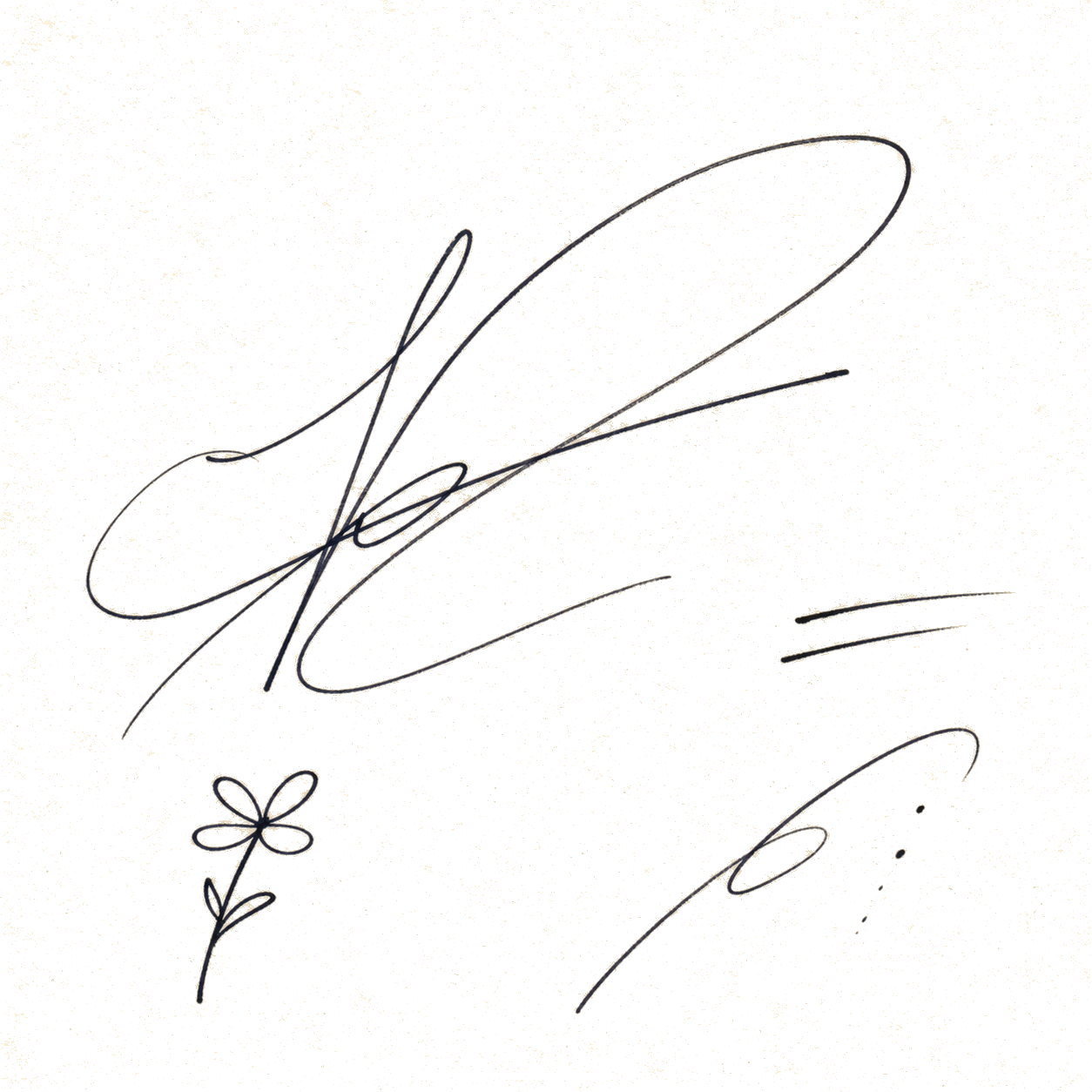
Signature scan
Ink signature and doodles on warm paper
Ink signature and doodles on warm paper after color removal
Input image Click on a color
Or drop an image here Or paste it here (Ctrl+V) Or load from examples above
Output image
Cleanup preset
Fine-tune result
Preview background

FAQ

Color Remover From Image questions

Is this an AI background remover?

No. It is a specific color remover. You choose the color to remove, which makes it better for solid-color backgrounds and design assets.

Can I export with transparency?

Yes. The download is a PNG with transparency for removed pixels.